Bookings
The call ends with a booking
You have a calendar in the web workspace. Google or Outlook is not required.
7 days free · No card · Setup is free7 days free · No card required
A client asks: are you free Friday at 19:40? The administrator searches through eight sheets of paper. Or nobody answers.
You already have a calendar
You have a built-in calendar in the workspace: working hours, days off, durations. The assistant checks free time against it.
- Built-in calendar Always on. You do not need Google or Outlook.
- No double bookings It accounts for time already taken.
- Outside opening times It does not offer a booking.
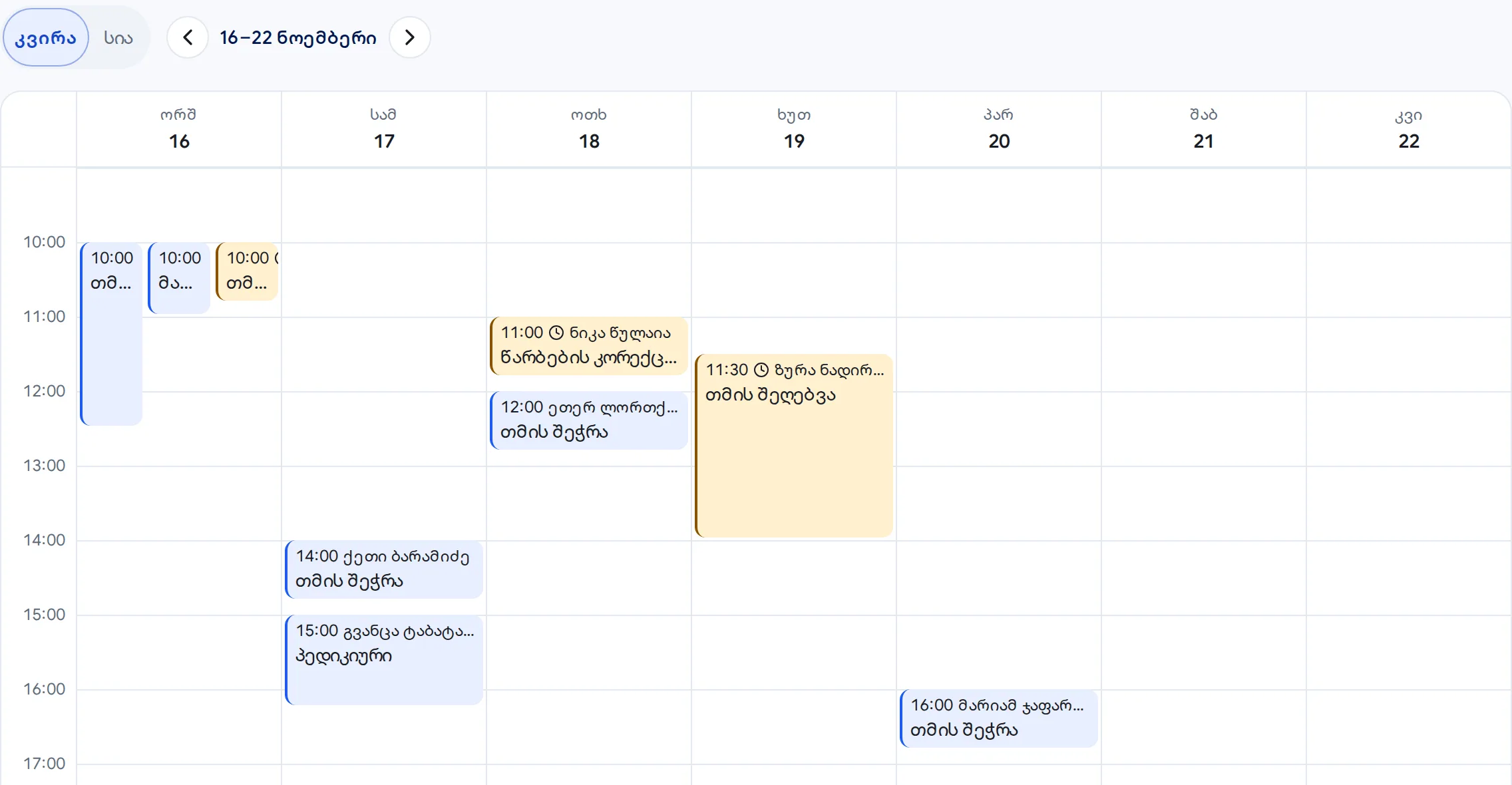
- Built-in calendar
- Working hours
The assistant checks and books
During the call the assistant checks free time and offers real options. The client chooses and the booking is written.
- If a time is taken, it offers the nearest free time.
- Confirmation to the client It tells the client the time and service during the call. An SMS confirmation is switched on separately, by agreement.
- A price or a rule It does not invent. A booking is written according to the calendar.
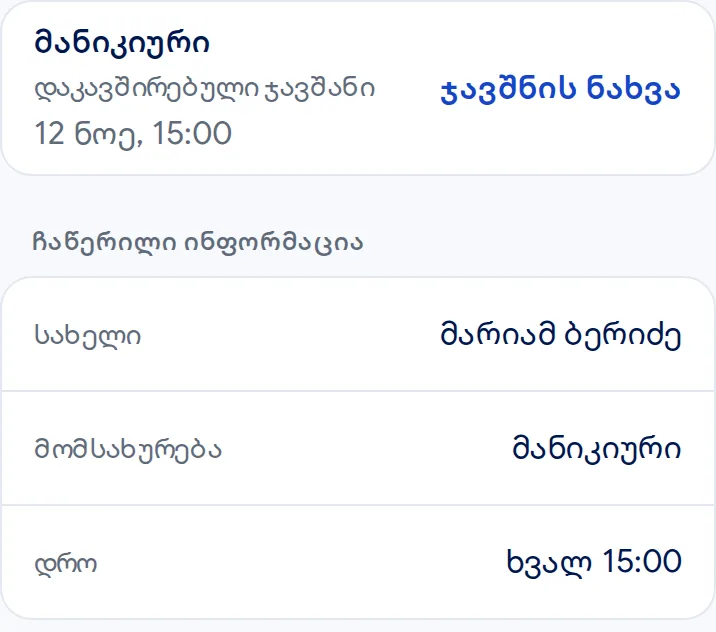
- Booked in the calendar
- Service, time, staff member
Two modes
A booking is either written directly or waits for your confirmation. You choose the mode.
- With direct booking, the booking appears in the calendar at once.
- A booking request you confirm in “Requests”, then it appears in the calendar.
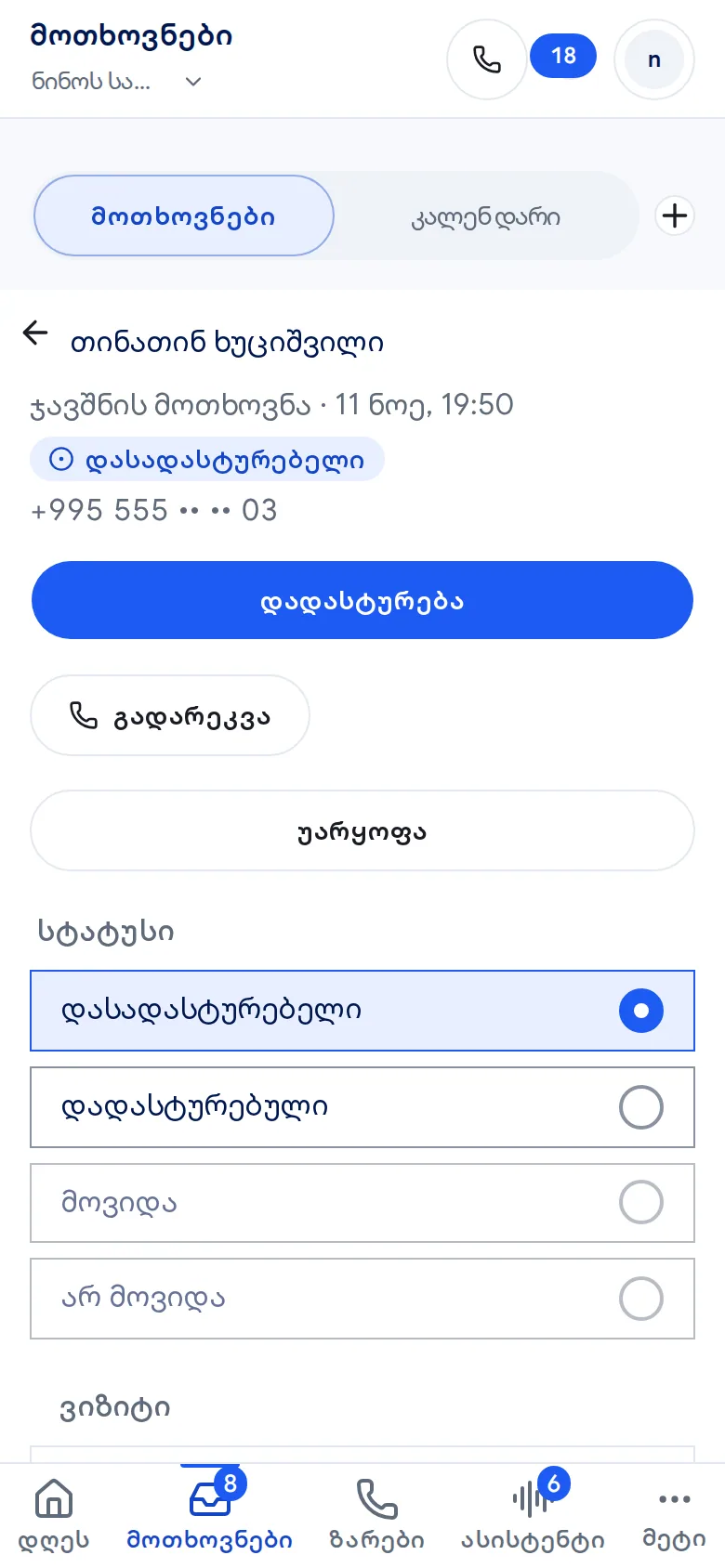
- Direct booking
- Booking request
Google or Outlook, optional
You can connect a Google or Outlook calendar to iCall. The iCall calendar is the main one, and the booking is also written outside. Connecting is not required.
- iCall is the main one: a booking changed by hand in the outside calendar does not always show in iCall.
- Set up in the web workspace under “Integrations”. We help you turn it on.
- Without connecting, it cannot see time taken in another system.
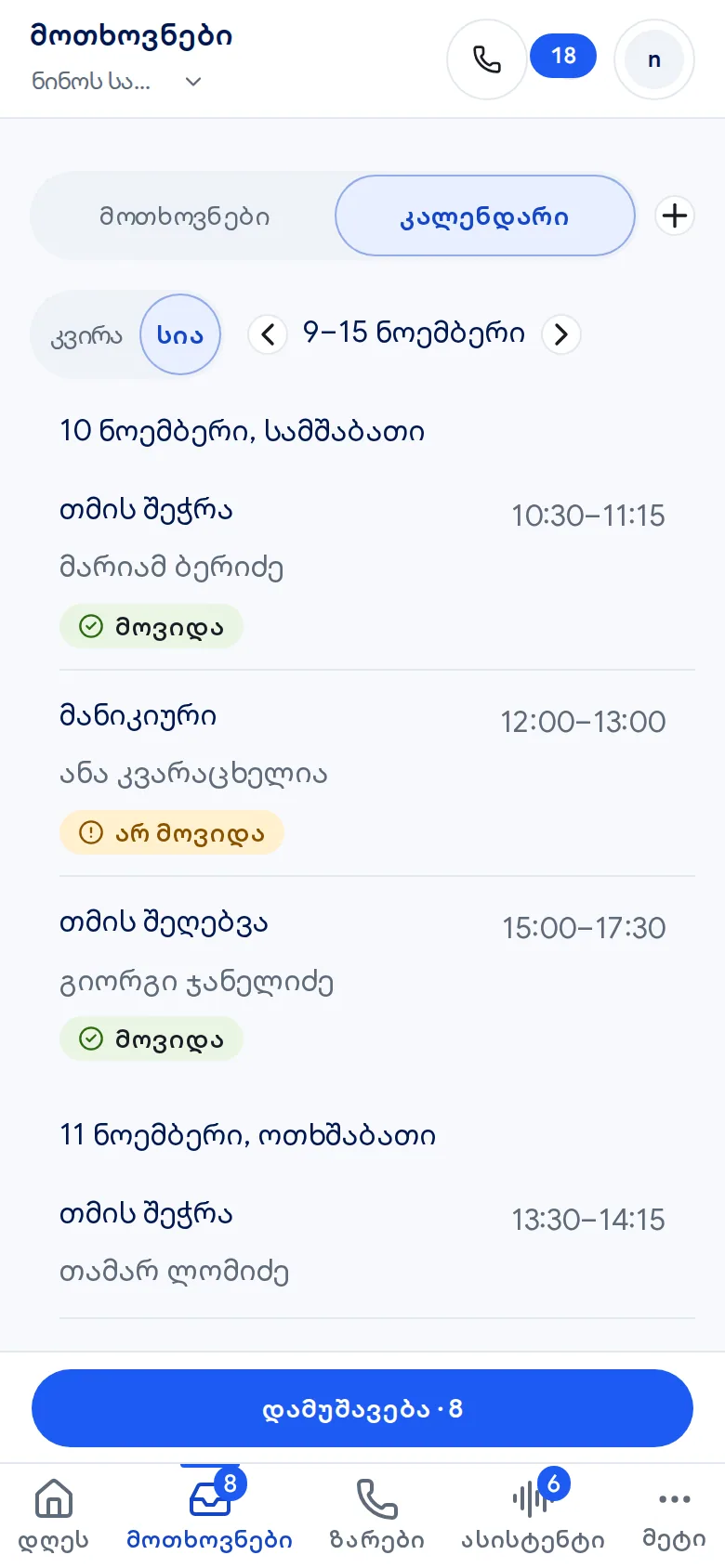
- Google Calendar
- Outlook Calendar
Visible everywhere
A new booking shows on the Today page and in the calendar. You move it, cancel it or offer a new time.
- Change a booking by hand? the client gets a message if SMS is on.
- From Telegram a link takes you to the workspace or the app.
- In the contact card bookings, calls and requests show together.
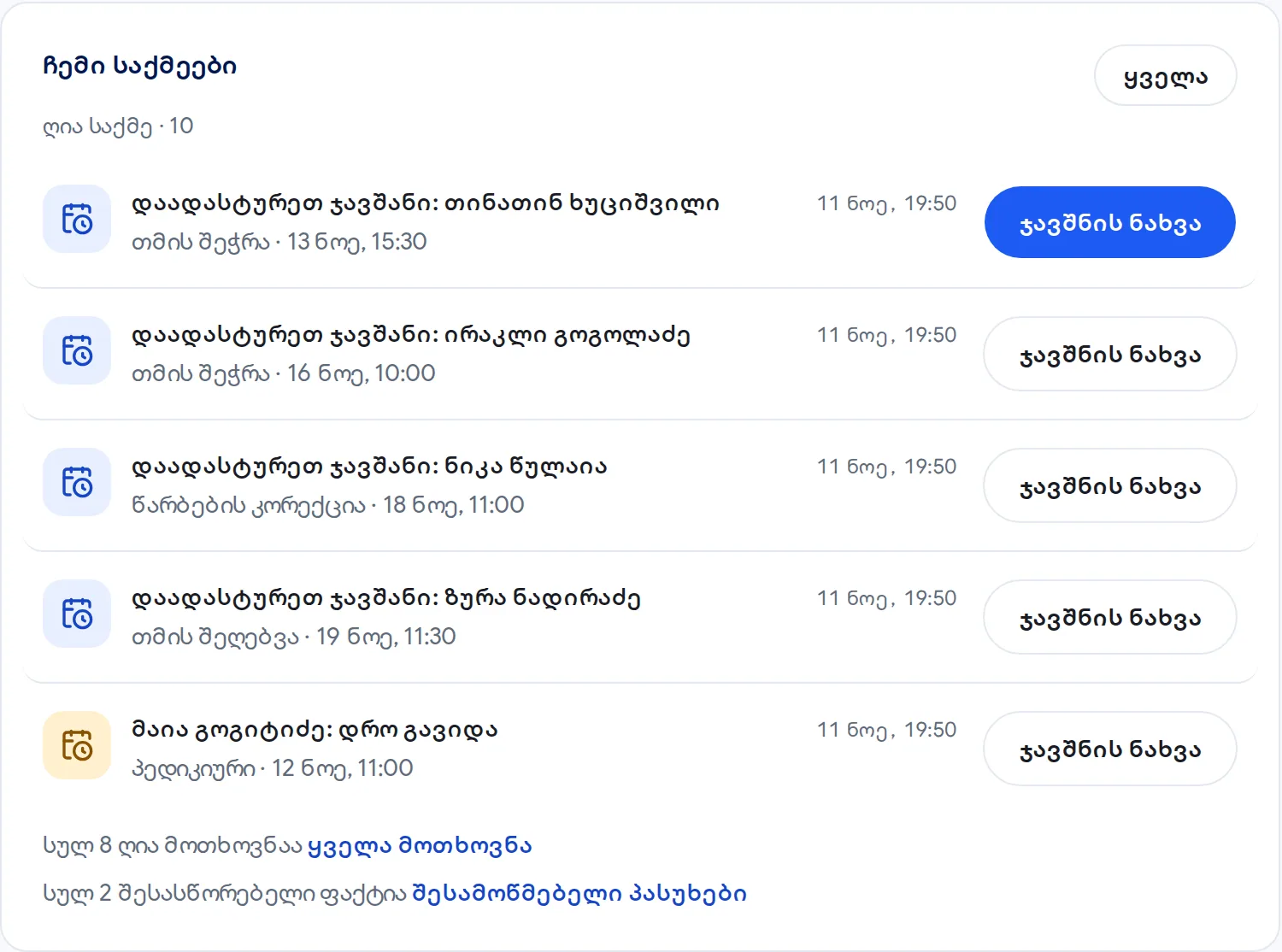
- Booked in the calendar
- Telegram to the ownerNew booking: Friday, 19:40, coloring.
How it compares
An administrator writes the booking by hand, and meanwhile the call is lost. The assistant writes the booking during the call, or leaves you a request.
What it does not do
It avoids double bookings using your calendar. Without connecting, it cannot see time taken in another system.
It does not make up prices or rules.
It does not take payments.
It does not cancel or move an existing booking: it hands the request to your team.
It does not count group places and does not check two rooms at once.
Common questions
Are Google or Outlook required?
No. The built-in calendar is always on.
What if the time is taken?
The assistant offers the nearest free time.
How does the client get a confirmation?
It tells the time during the call. An SMS confirmation is switched on separately, by agreement, and works under your GOSMS sender name.
Can I book with a specific specialist or doctor?
It is switched on in stages. Contact us and we will tell you what works for you.
What if I change a booking by hand?
The client gets a message if you have SMS turned on.
Will the assistant cancel or move a booking?
No. It does not cancel or move an existing booking, it hands the request to your team.
Can I manage bookings from the mobile app?
In the app you confirm, change or cancel a booking. The app for the App Store and Google Play is in the works. Today you do this in the web workspace.
Try 7 days free
No card needed. 7 days or 60 minutes, whichever runs out first. The count starts from the first real call.
7 days free · No card · Setup is free7 days free · No card required