Contacts
Every client in one place
The card builds itself from calls, with no notebook.
7 days free · No card · Setup is free7 days free · No card required
A client calls a second time and the administrator asks again what was agreed.
An automatic card
By number you see how many times they called and what you agreed. The name is added from the booking.
- A contact list you upload from a file (CSV or XLSX).
- "Do not contact" you mark with one switch. No SMS goes to such a number.
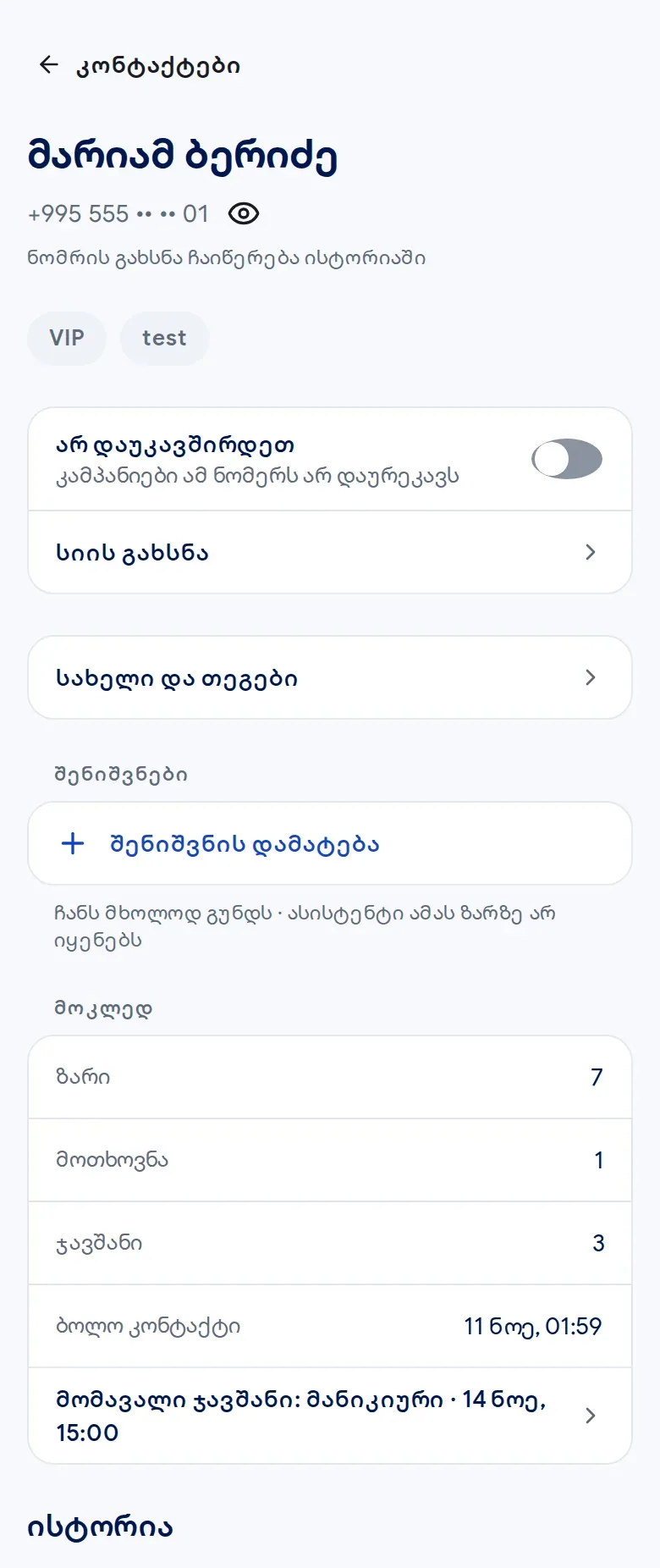
- New contact
Full history
On the card every call, booking and request appears in time order.
- The history is written along with the call.
- The administrator no longer rereads: the agreement is in the history.
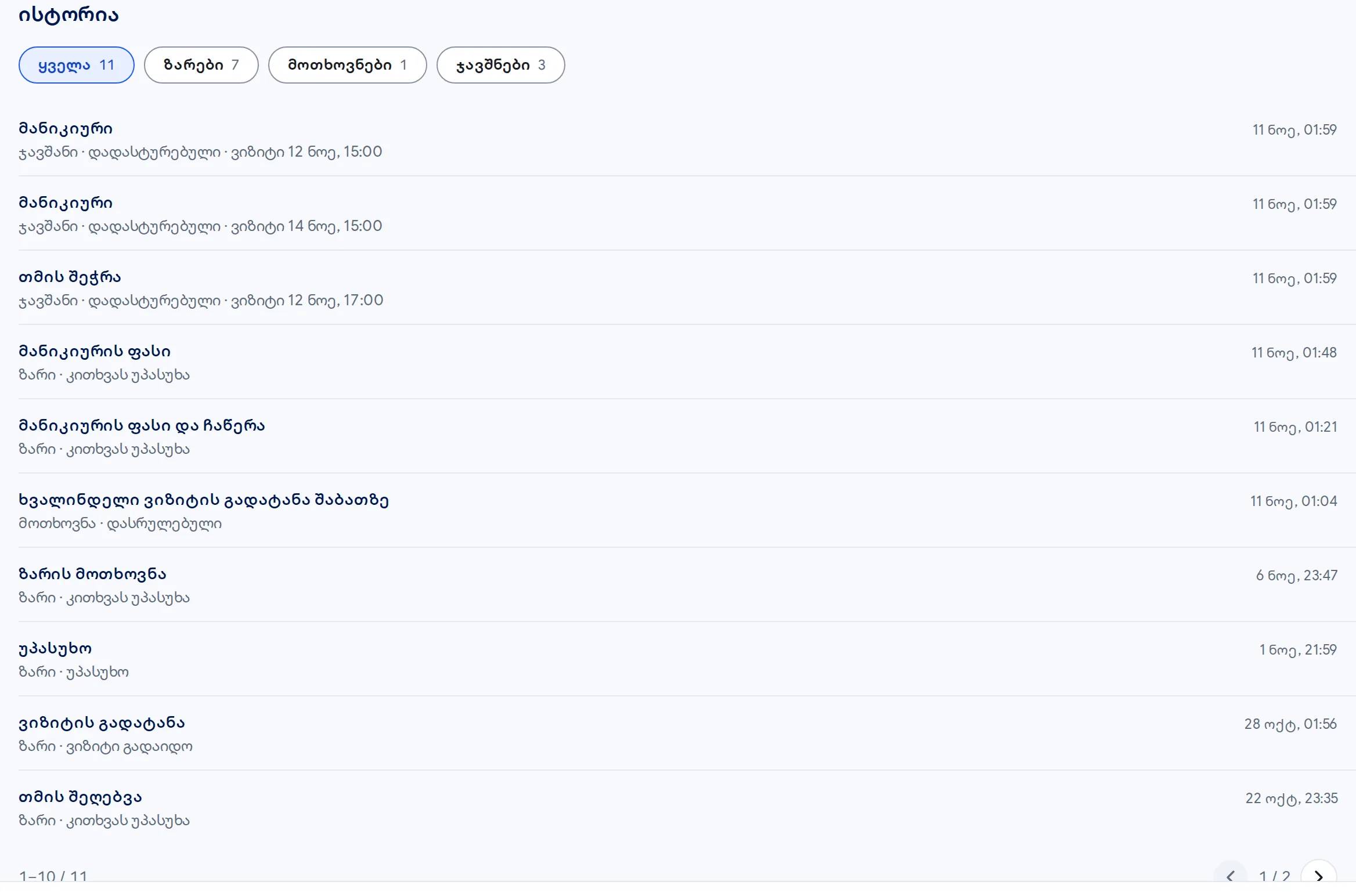
- Full history
Summary and call text
For every call a short summary and the full text (transcript) are kept.
- Recording only if you turn it on. The client is told.
- A request appears in the history with the call.
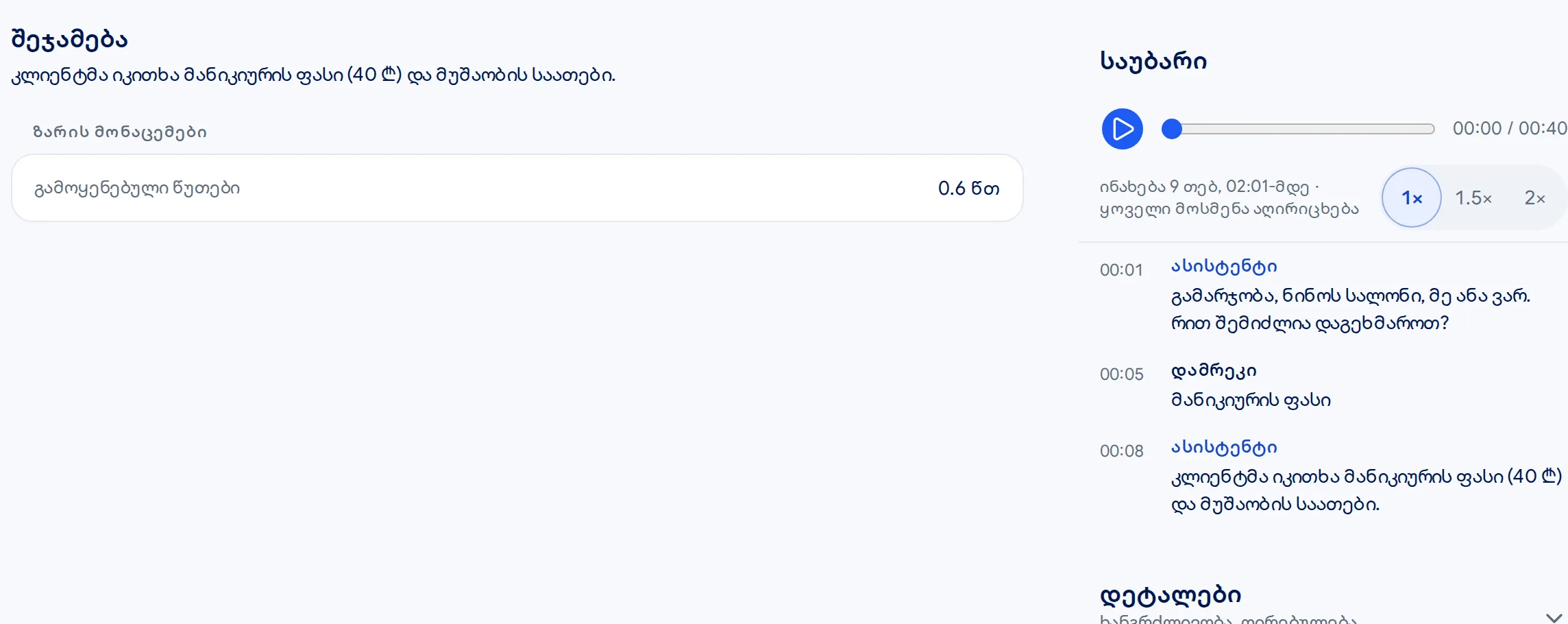
- Call summary
- Call text
Notes
You and your team add a note to the card: “allergic to dye”.
- On the card the note appears with the history.
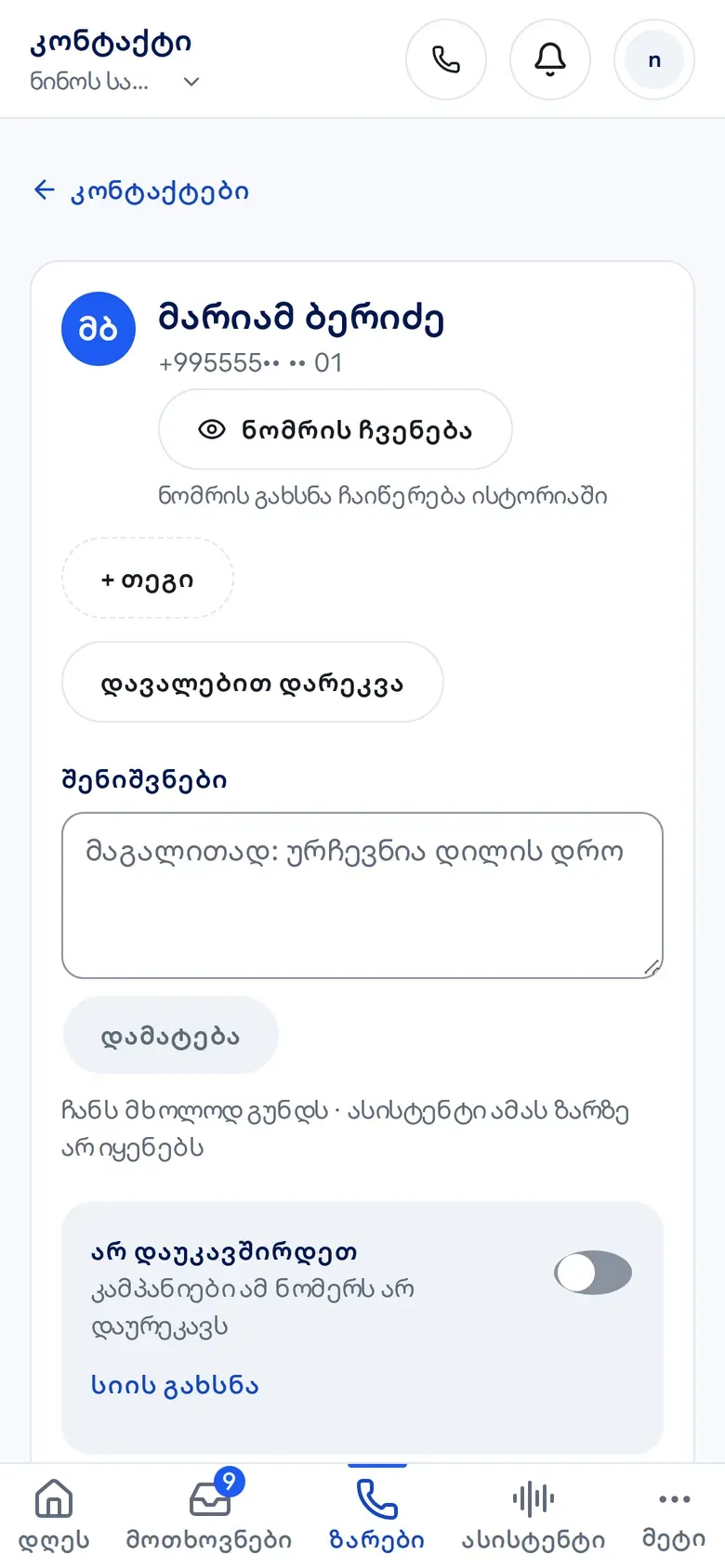
- NoteAllergic to dye
Who sees what
Contacts are seen only by those you give permission.
- A note you delete yourself, from the card.
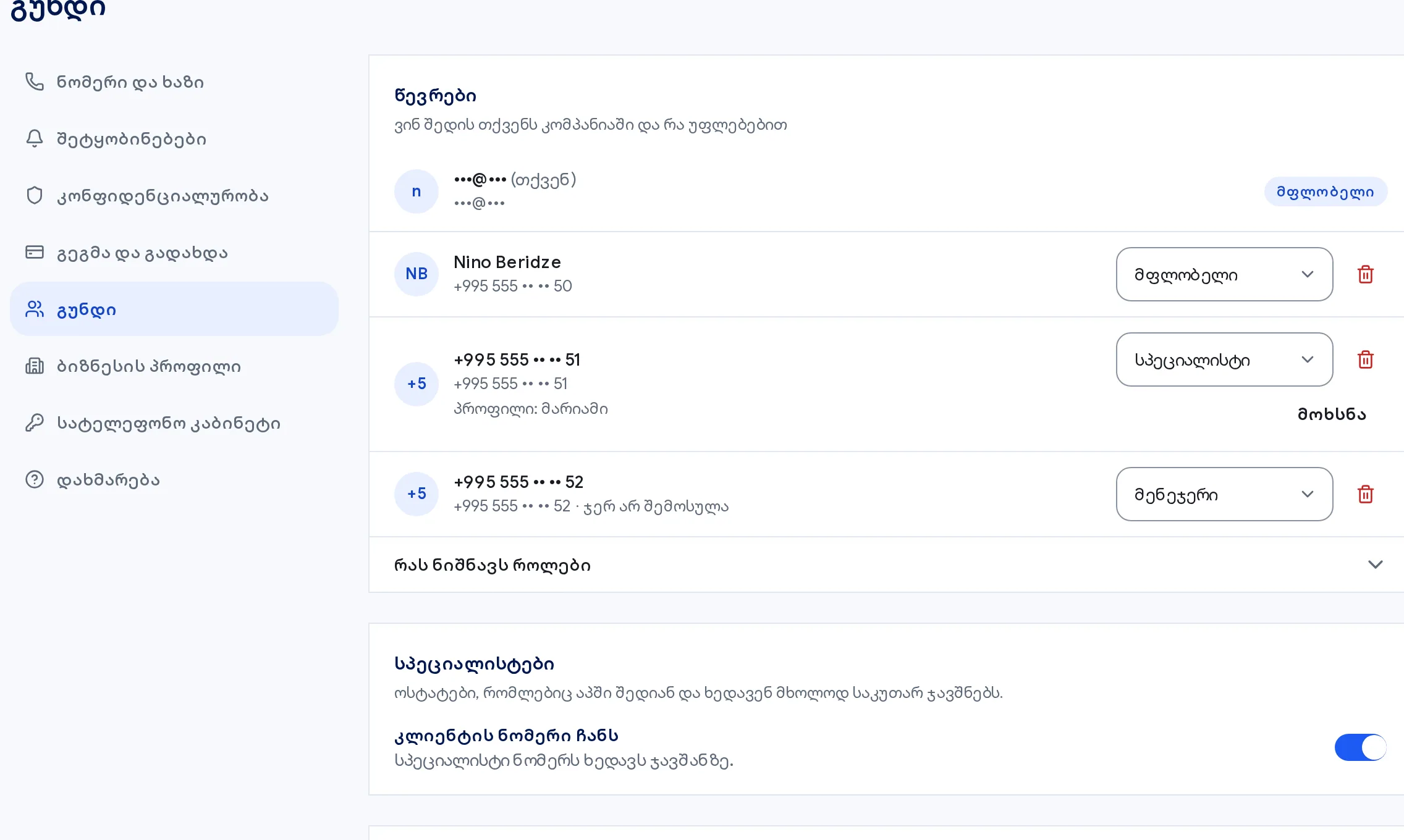
- Only your team
How it compares
A notebook is written by hand. Here the history is created with the call.
What it does not do
It is not a full CRM: we have no sales funnel or invoices.
We do not send contacts elsewhere without your consent.
Common questions
Can I upload contacts?
Yes, by a CSV or XLSX file. You mark “do not contact” numbers in the file or with one switch.
Who sees the history?
Only those you give access to.
Can I send an SMS to a contact?
Yes, if you have your GOSMS on. No SMS goes to a “do not contact” number.
Will I see clients in the app too?
The app will have the client list, the card and "do not contact". The app for the App Store and Google Play is in the works.
Try 7 days free
No card needed. 7 days or 60 minutes, whichever runs out first. The count starts from the first real call.
7 days free · No card · Setup is free7 days free · No card required