Voice and tone
The assistant speaks like your business
You choose the voice, the name, the greeting and the tone.
7 days free · No card · Setup is free7 days free · No card required
Voice
- Warm
- Formal
- Short
"Hello, Nino's Salon. You are speaking with a digital assistant. How can I help?"
- Default
Warm woman
friendly, soft pace
Business man
short, precise, formal
One salon speaks formally, another casually. The assistant's tone must suit both.
Choose a voice
8 voices: four female and four male. You listen to each before choosing. The default is a warm female voice.
- Cloning your own voice is not offered right now.
- Now It speaks only Georgian.
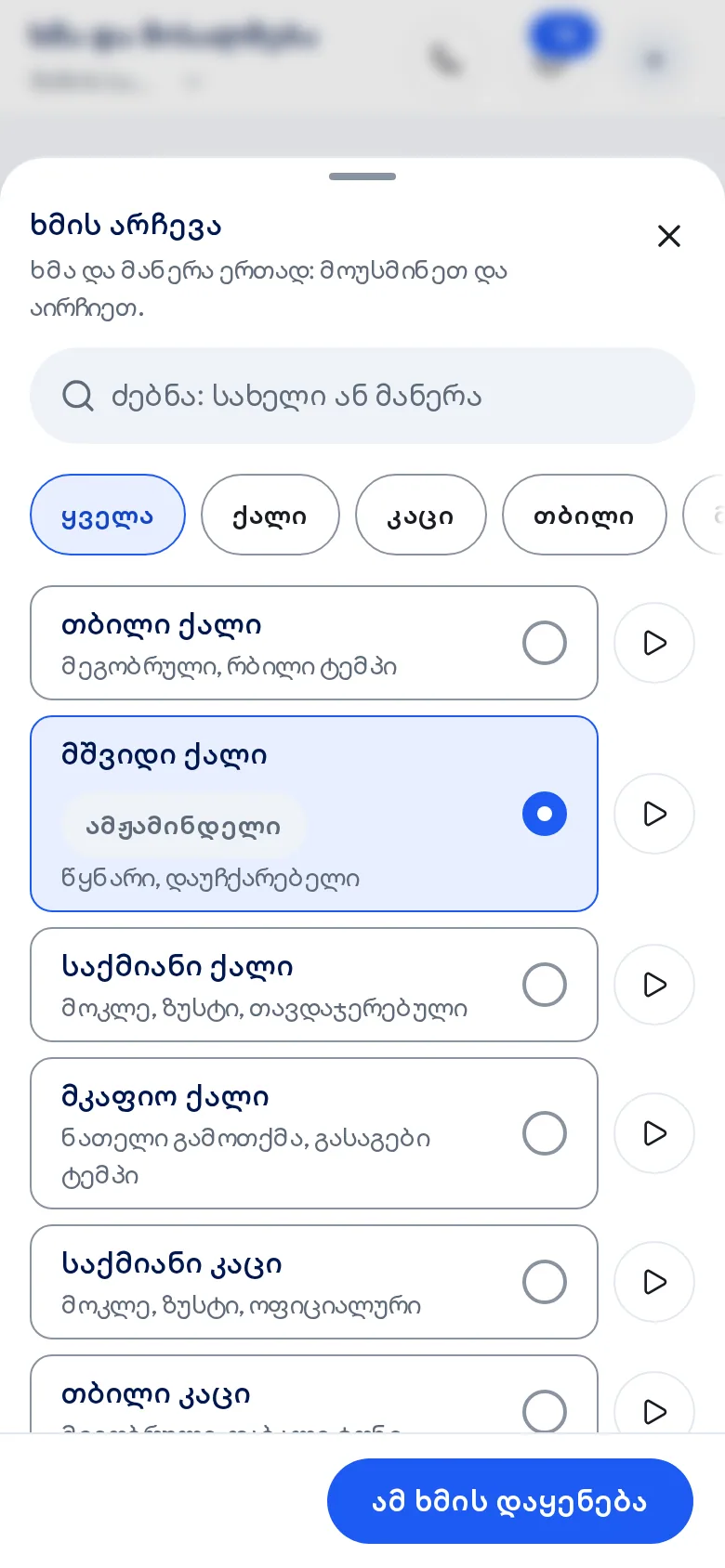
- Listen
- 8 voices
A greeting in your name
The assistant starts the call in your business name and introduces itself as a digital assistant.
- The assistant does not present itself as a human. This is always required.
- The greeting text you edit. If it is empty, we write it by tone.
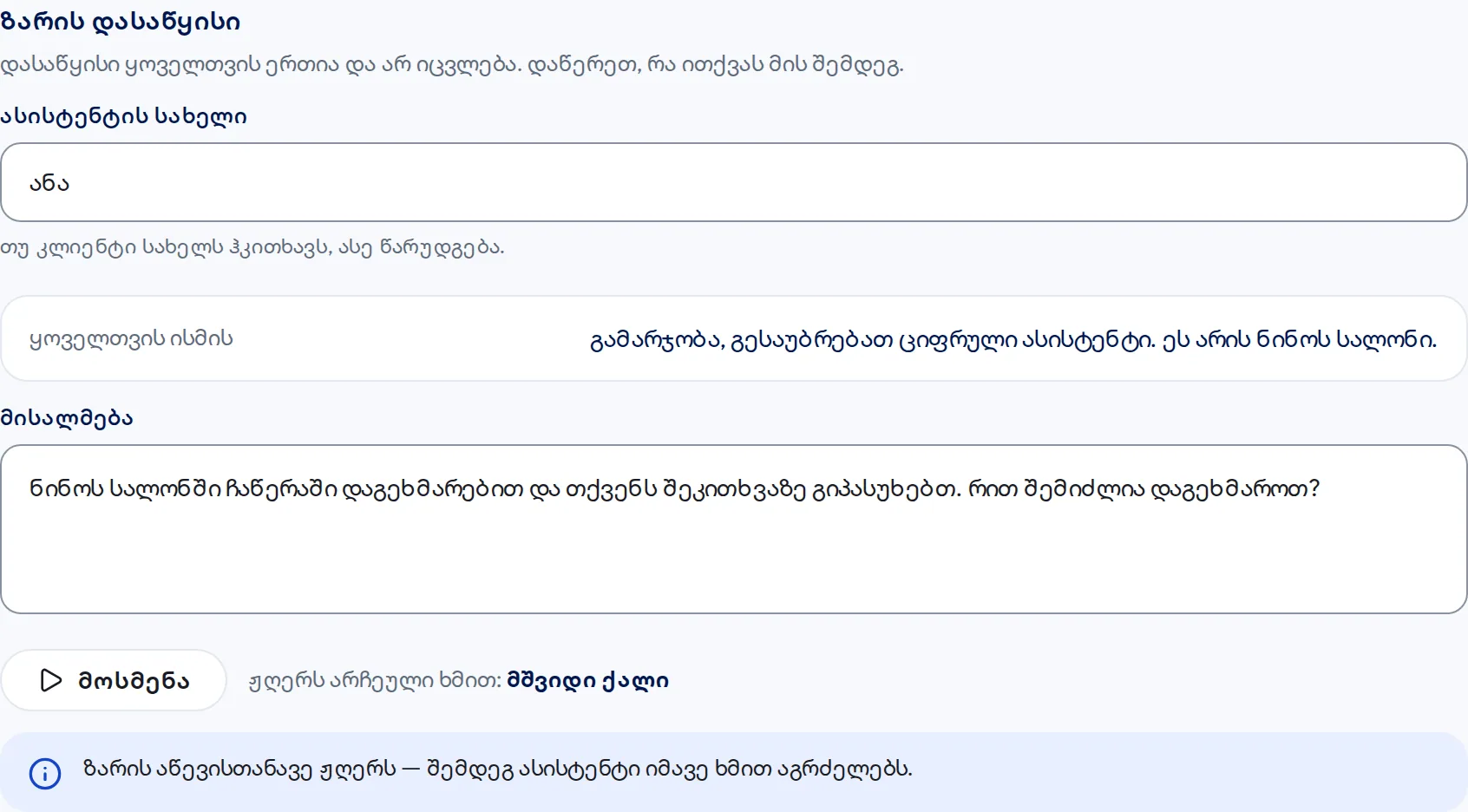
- Assistant"Hello, Nino's Salon. You are speaking with a digital assistant."
Tone
Warm, formal, energetic or short. With formal, the assistant addresses the caller formally.
- The style you change and publish. New calls will start with the new tone.
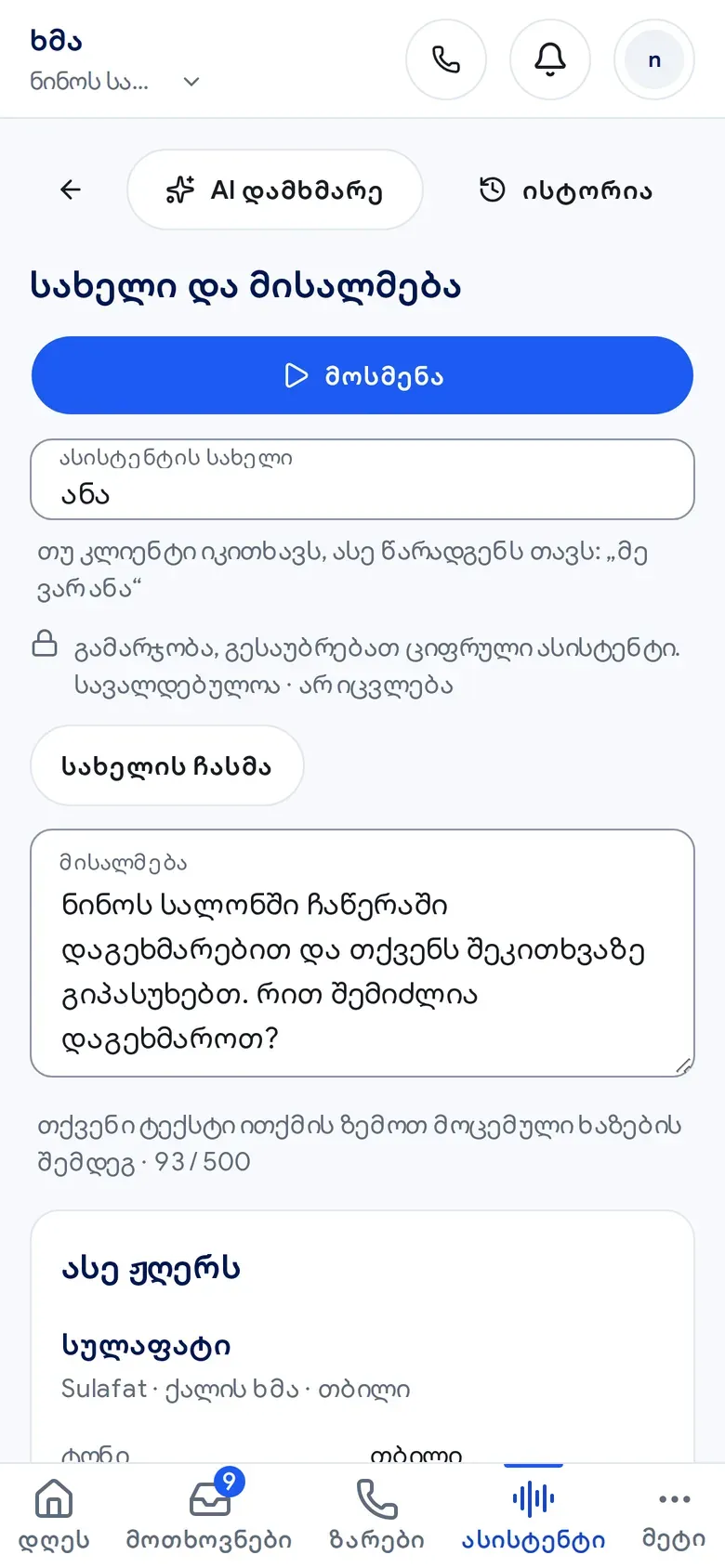
- Warm or formal
Answers from your information
The assistant states prices, times and rules from the information you entered.
- Information you add, and the assistant uses what is published.
- When it does not know the answer, it says so directly and takes a callback request.
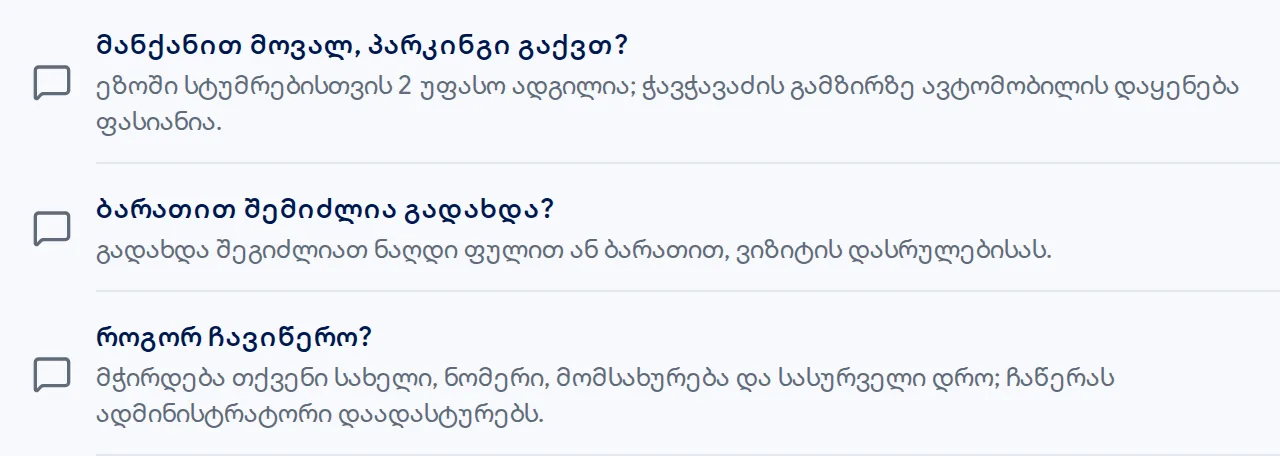
- Your information
Text trial
Before publishing, you check the assistant in the chat and only then switch it on.
- In the cabinet you test the assistant in text, no phone number needed.
- Before publishing, changes do not affect clients.
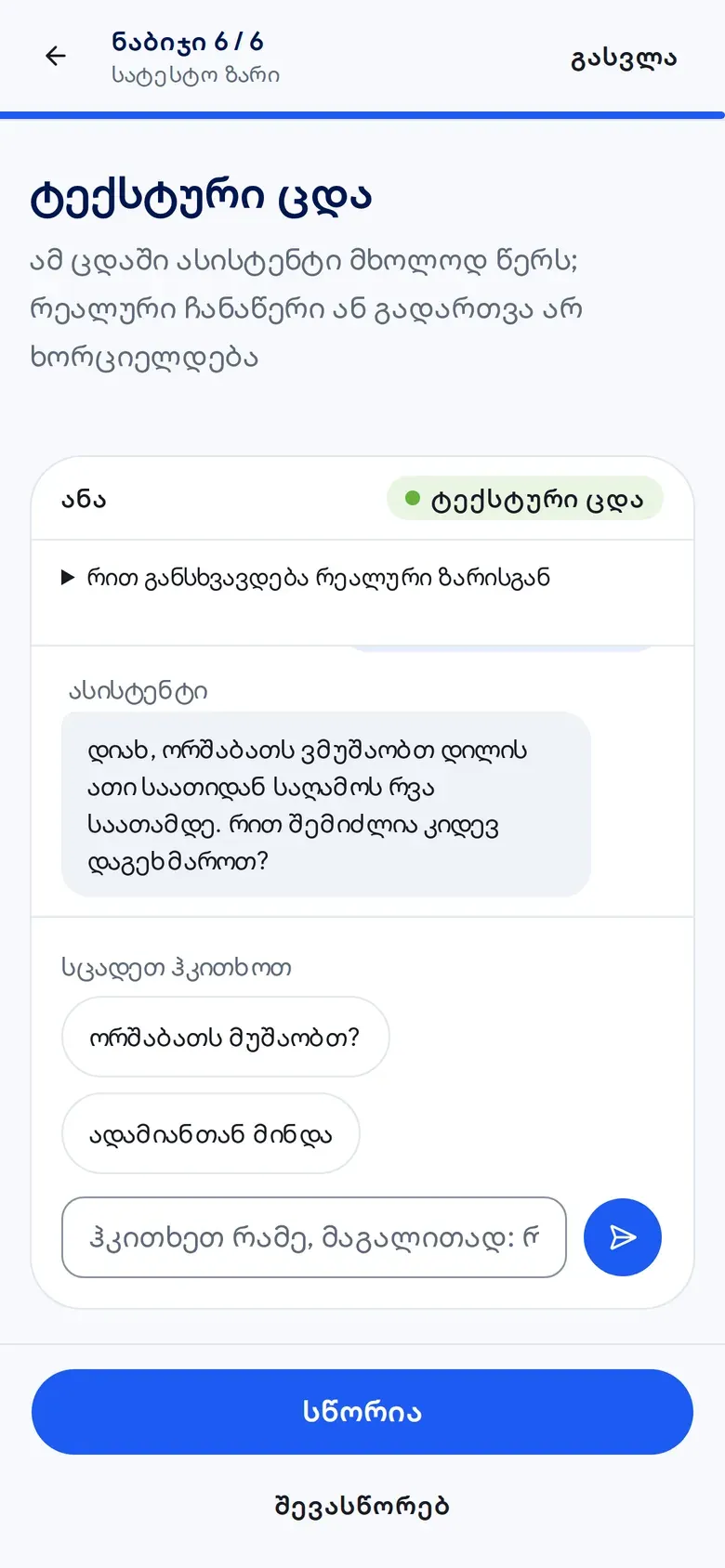
- Text trial
How it compares
A voicemail greeting is mechanical. The assistant talks and answers.
What it does not do
We do not offer cloning your own voice right now.
It speaks only Georgian for now.
Common questions
Does the assistant present itself as a human?
No. The assistant always introduces itself as a digital assistant and this phrase cannot be removed from the greeting.
Can I change the tone?
Yes. You change it and publish, and new calls start with the new tone.
How many voices can I choose from?
8 voices: four female and four male. You listen to each before choosing. The default is a warm female voice.
Will it speak in my voice?
No, we do not offer cloning your own voice right now.
Can it speak Russian or English?
Georgian only for now.
Try 7 days free
No card needed. 7 days or 60 minutes, whichever runs out first. The count starts from the first real call.
7 days free · No card · Setup is free7 days free · No card required