Requests
Nothing that needs follow-up gets lost
Requests are your work list: callback, question, booking request. The assistant notes the details, you decide.
7 days free · No card · Setup is free7 days free · No card required
A client asks whether colouring and a hairstyle can fit in one visit on Saturday. The administrator wrote it on paper and the paper got lost.
Everything in one card
A card shows who called, what they want, when. The call text opens with one tap.
- Three kinds A booking request, a callback request, a left message. In one list.
- Who sees requests Only those you give permission to.
- A request is organized unlike a paper note or voicemail.
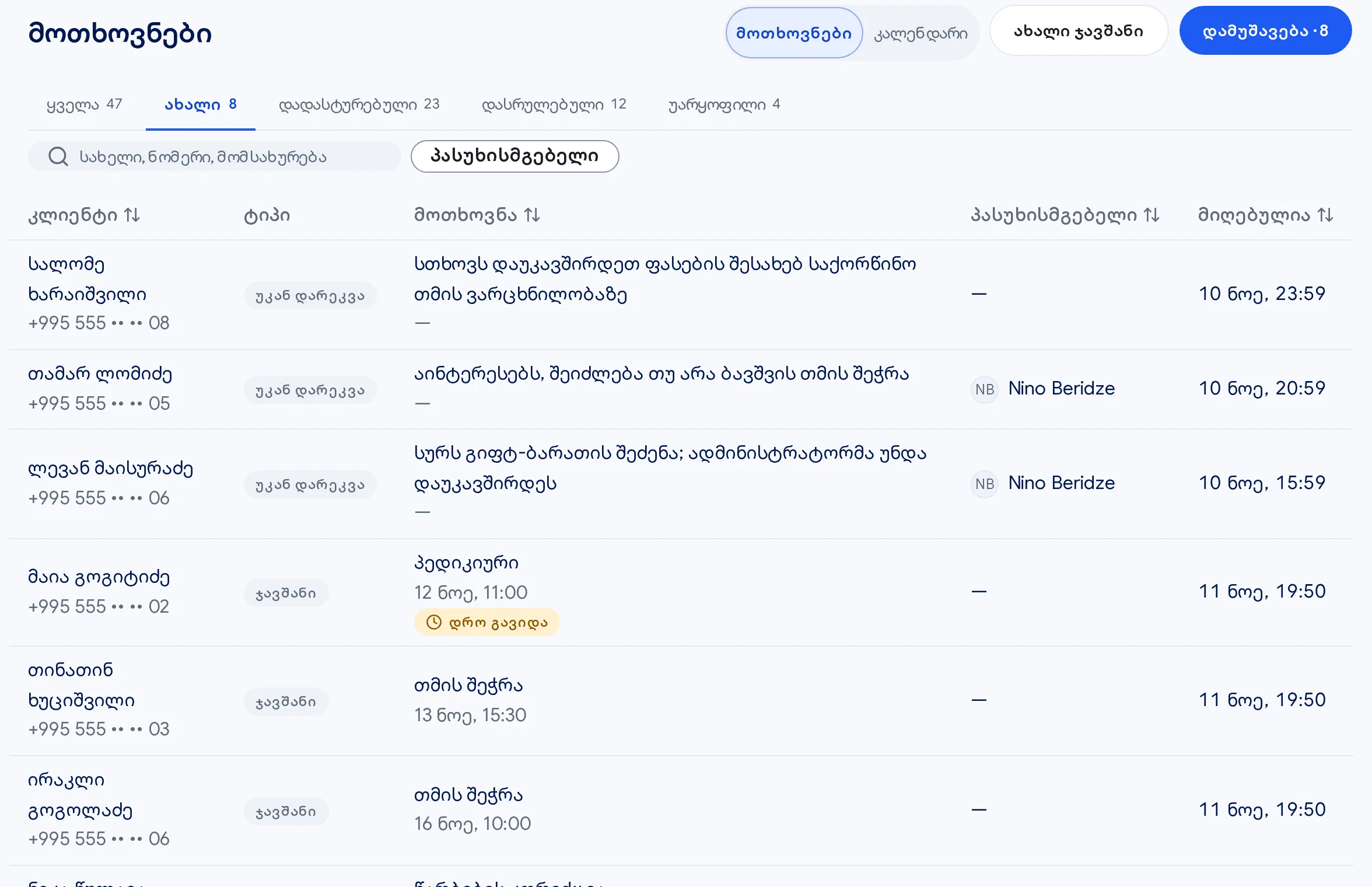
- New request
- Call transcript
One click
On the Today page you confirm, decline or offer another time.
- A booking request waits for your confirmation.
- It promises the client nothing that you have not confirmed.
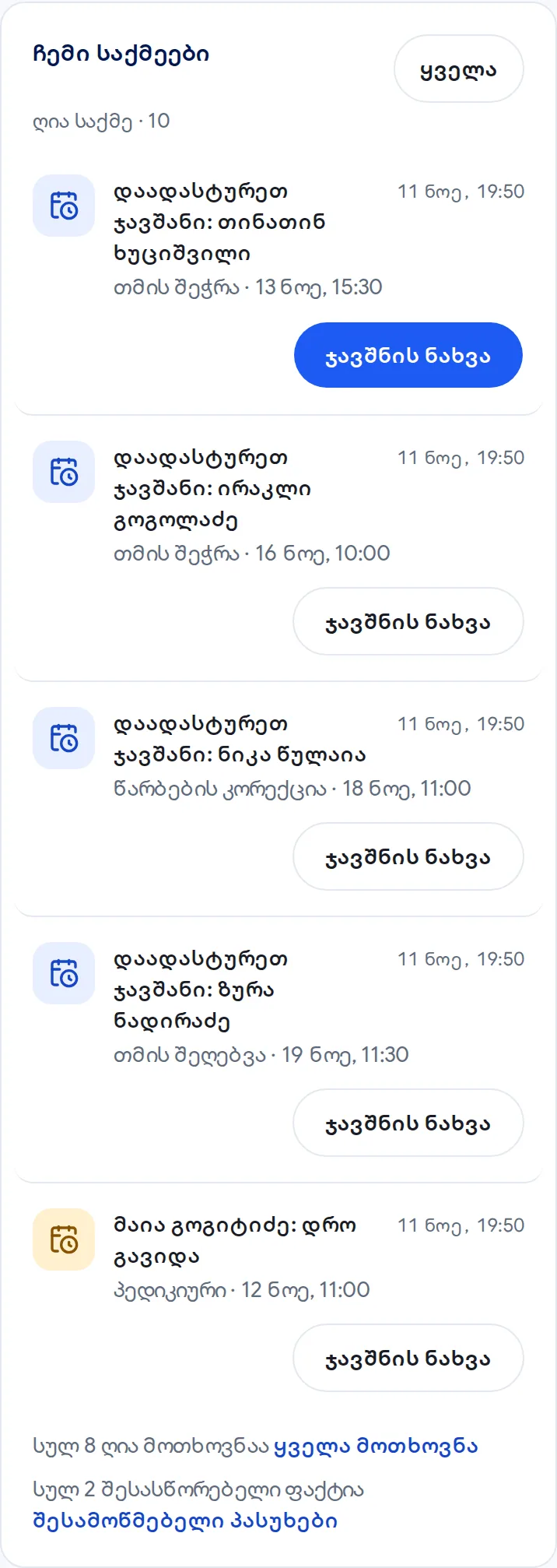
- Confirm
- Another time
Notified in time
When a new request arrives, we send you a Telegram message.
- Link the message comes with a link to the workspace or the app.
- A request stays in the list until you close it.
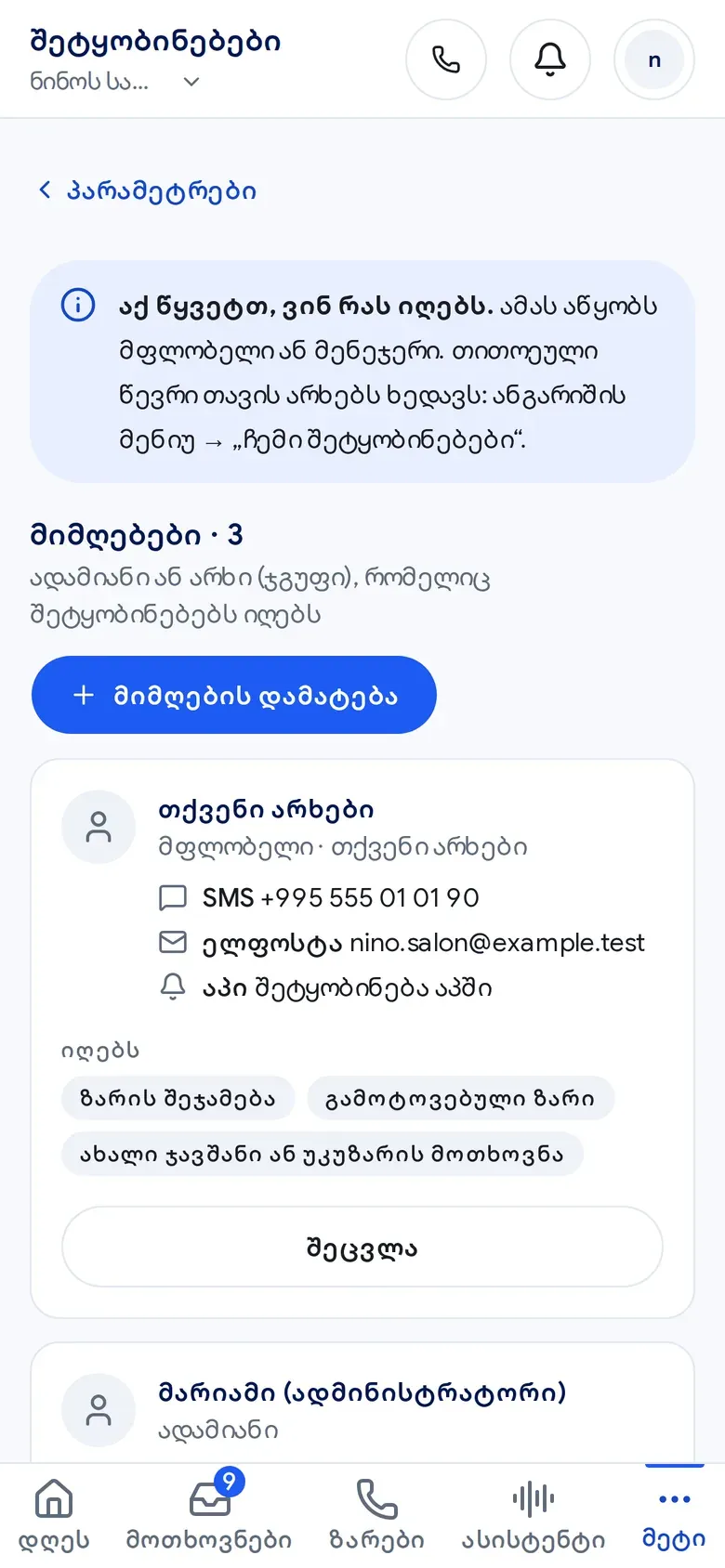
- Telegram
- New request
The client knows what you decided
If SMS to the client is on, an SMS goes out on every decision. Turning it on is separate, by agreement.
- An SMS goes out only when turned on.
- Sender name is the name approved in your GOSMS.
- Booking replies SMS go out at any time.
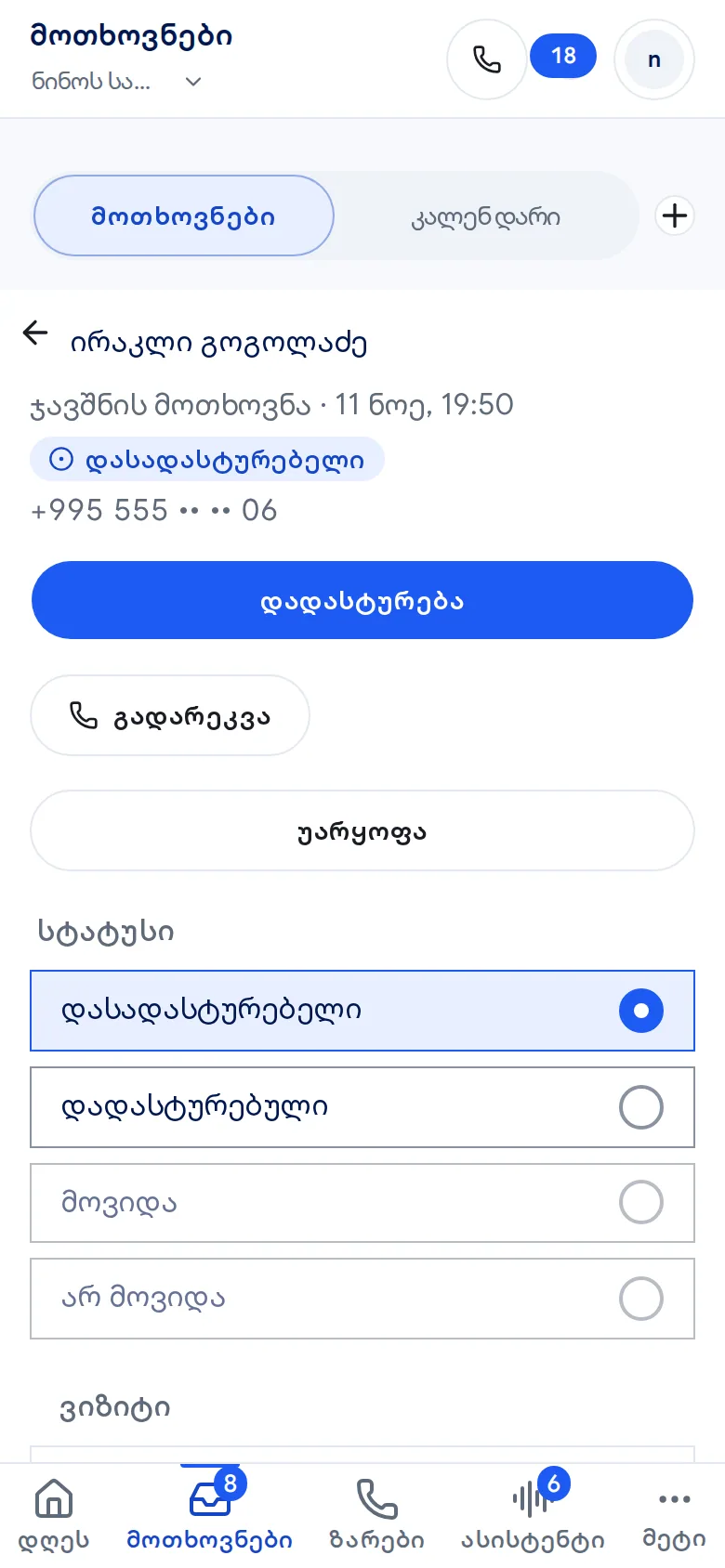
- SMS to the client (if turned on)Nino’s salon: your booking is confirmed.
Nothing gets lost
A request stays in the list until you decide. iCall does not call by itself: you see whom to call back and when.
- A callback request appears when the client wants a person or there was no answer.
- A left message is saved when handoff is not needed.
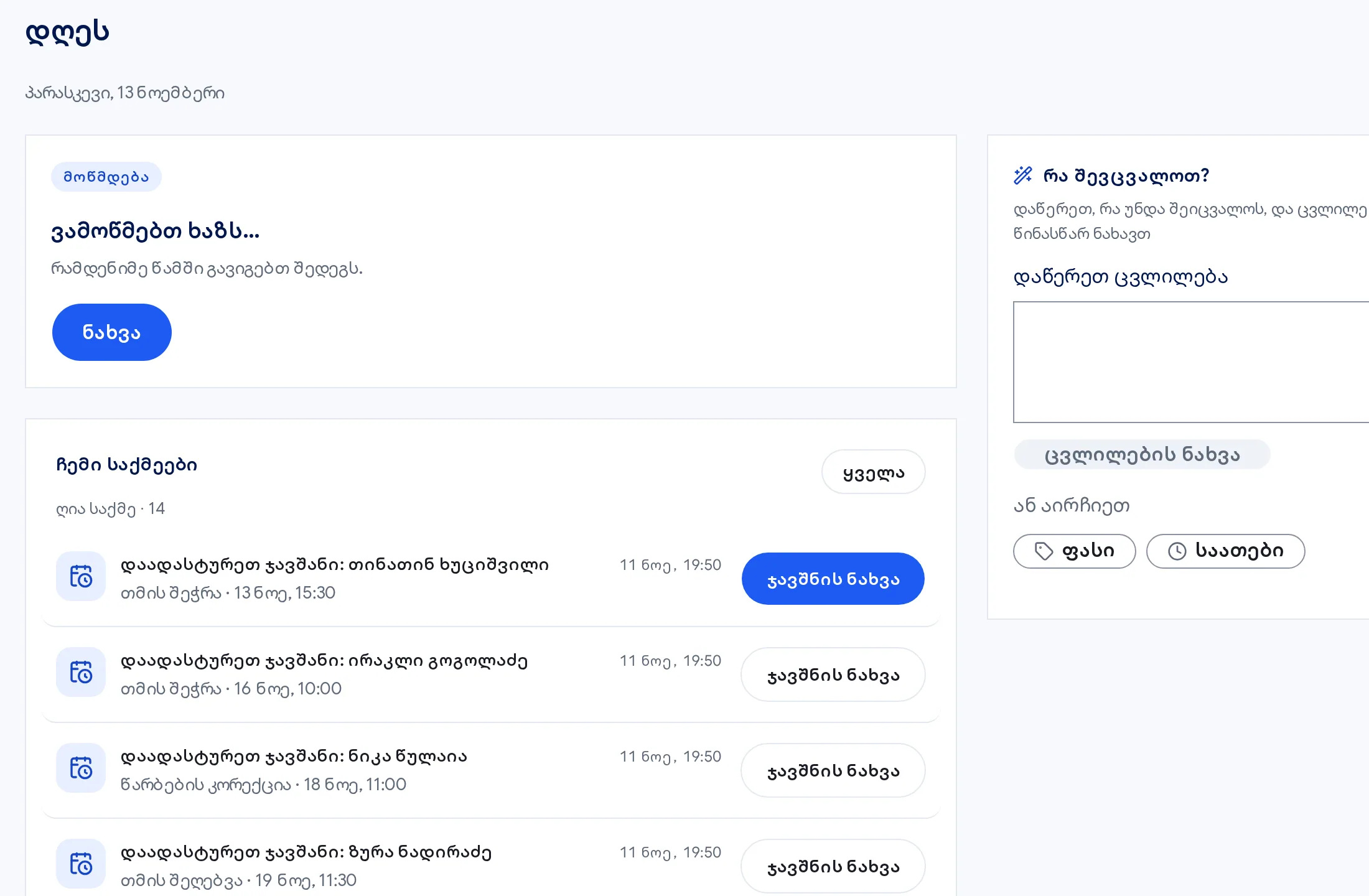
- Waiting for your decision
How it compares
A note on paper gets lost, and listening to voicemail takes a lot of time. In a request, everything is in place.
What it does not do
It does not confirm on its own anything that needs your confirmation.
It does not promise the client anything you have not arranged.
iCall does not call the client: your team calls back.
Common questions
What is the difference between a booking and a request?
A booking is a scheduled visit in the calendar. A request is in the work list and waits for your decision.
What requests come in?
Three kinds: a callback request, a client’s question or left message, and a booking request.
Who is responsible for calling back?
Your team. You hand the request to an employee and see whether it is closed. iCall does not call.
Who sees requests?
Only the people you give access to.
Try 7 days free
No card needed. 7 days or 60 minutes, whichever runs out first. The count starts from the first real call.
7 days free · No card · Setup is free7 days free · No card required