Integrations
A message in Telegram, a booking in the calendar
The iCall calendar is always on. Linking Google Calendar and Outlook is optional.
7 days free · No card · Setup is free7 days free · No card required
Two calendars and a notebook: a booking is written sometimes in one, sometimes in the other.
Telegram
A notice about a new booking and a booking request. There too: the call summary and the weekly report.
- Booking requests you confirm straight from Telegram.
- Connecting takes one command: you get a code in the workspace and send it in Telegram.
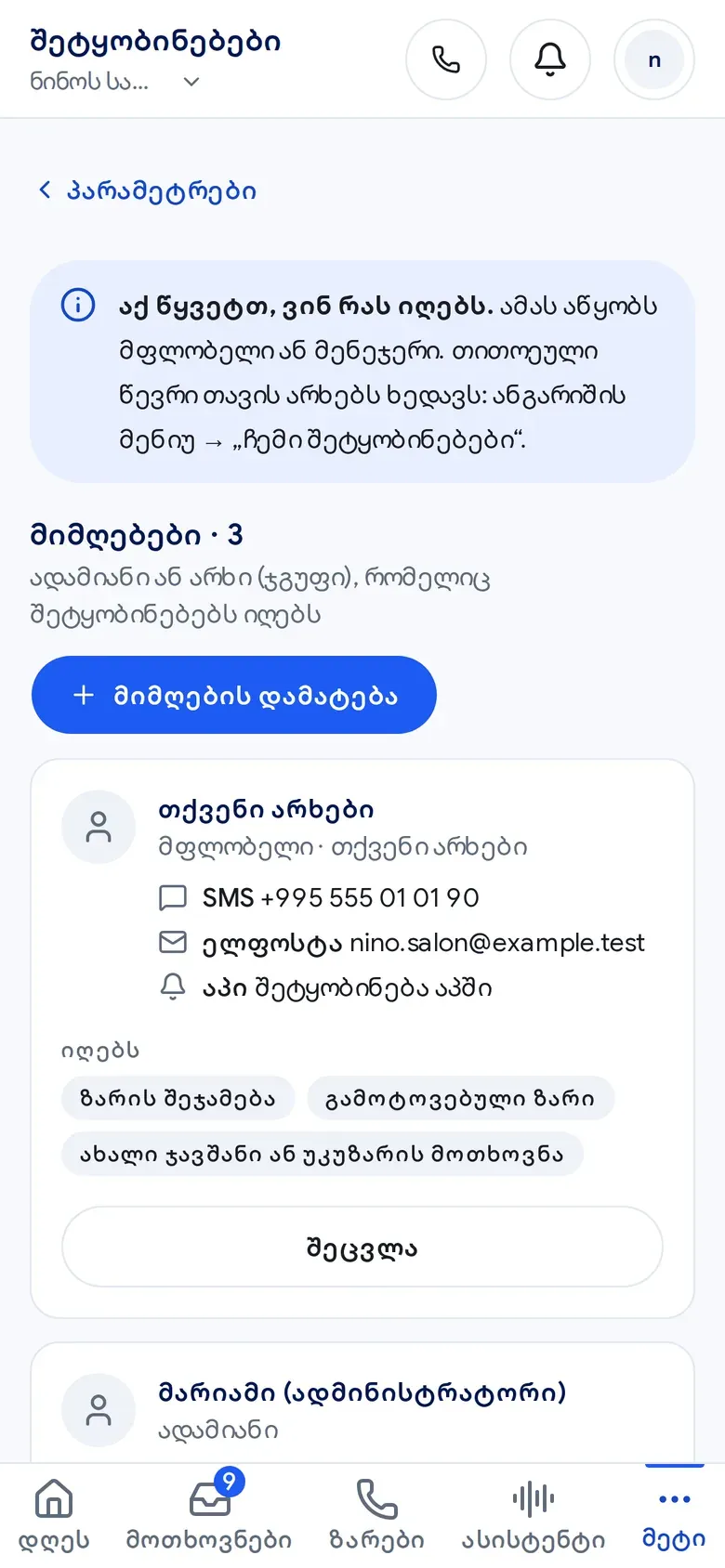
- Telegram
- Booked in the calendar
Google Calendar and Outlook
You link them if you want. The main one is the iCall calendar, and booking works without them too.
- The iCall calendar is always on, protected from double booking.
- Google Calendar and Outlook: can be linked. It does not replace the iCall calendar.
- You start linking you start on the “Integrations” page.
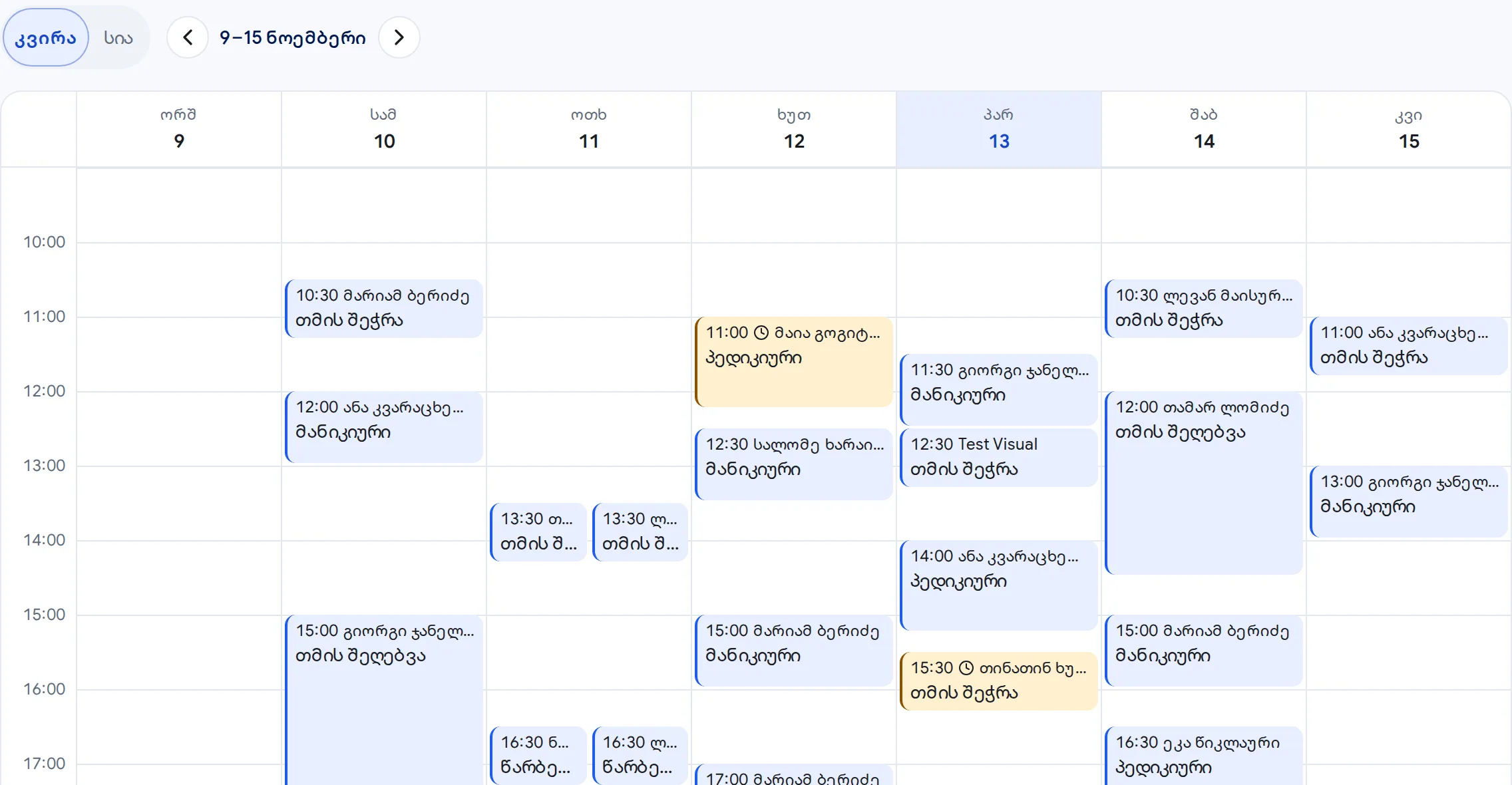
- Google Calendar
- Outlook Calendar
SMS to the client
After a call an SMS is sent from your GOSMS. It is switched on separately, by agreement.
- The SMS goes only to the number the call came from.
- The sender name belongs to your GOSMS account. It is not sent in our name.
- A reminder before the visit: planned.
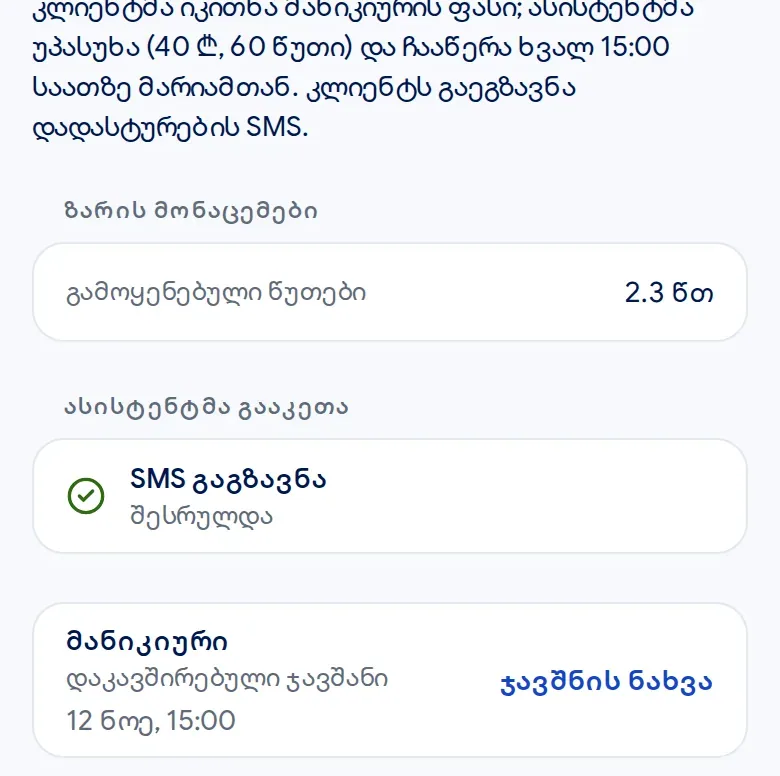
- SMS to the clientNino's salon: Friday, 19:40, you're booked.
- Reminder before the visitNino's salon: tomorrow, 19:40. See you then.
Shown when the add-on is on.
API and webhook
You receive the call outcome in your software.
- Have your own software? write to us and we will assess it together.
- The webhook will be signed, so your software can recognize the sender.
iCallSoonAPI · webhookYour softwareYour system
Use other software? We assess it together and agree on the price in advance.
- Software not on the list? Tell us what you need.
Your softwareWe scope it togetheriCall
How it compares
Voicemail connects to nothing. A receptionist copies things over by hand.
What it does not do
We do not have a ready integration with every system. The rest is separate work.
We do not switch on actions on sensitive data without approved rules.
We do not promise full two-way sync with Google Calendar and Outlook.
Common questions
Where do I switch it on?
In the web workspace, on the "Integrations" page. You connect Telegram with one command and the calendar with your own account.
Is the sync two-way?
No. The main one is the iCall calendar. A change made in a linked calendar is not always repeated.
My software is not on the list?
Tell us what you need and we will scope it.
Who gets the Telegram message?
Whoever you connect, for example you and the administrator.
Will the client get an SMS?
Only if you turn it on. You need your own GOSMS account and a sender name.
Try 7 days free
No card needed. 7 days or 60 minutes, whichever runs out first. The count starts from the first real call.
7 days free · No card · Setup is free7 days free · No card required