SMS to the client
The client knows they are booked
After the call the client gets an SMS in your name. Turning it on is separate, by agreement.
The client SMS is sent from your GOSMS account and is not part of the 7-day free period.
7 days free · No card · Setup is free7 days free · No card required
The client doubts whether the booking went through. Tomorrow they either do not come or call again.
Confirmation right after the call
After the call the client gets an SMS with the booking details: “Booked” or “Request received, the team will confirm”.
- The client needs to install nothing: it is an ordinary SMS.
- An administrator may forget to send a confirmation, iCall never does.
- The daily limit per number is strict, so it does not become spam.
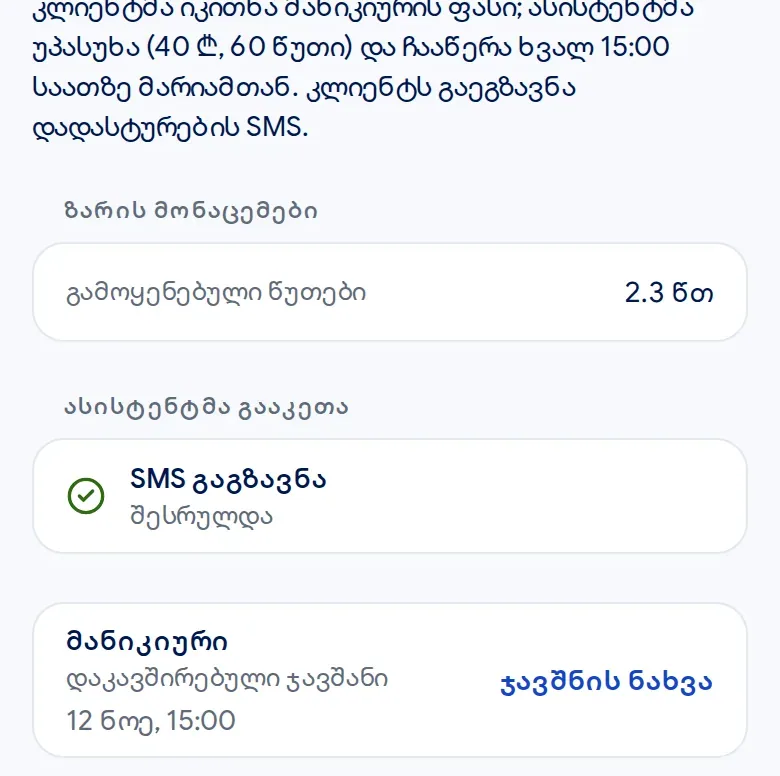
- SMS to the clientNino's Salon: Friday, 19:40, booked.
- Booking is in the calendar
Notice of your decision
On confirmation, decline, cancellation and rescheduling, the client gets an SMS at any time of day or night.
- Changing a booking by hand? the client gets a message if SMS is on.
- Switching on and off is done in the settings.
- Advertising SMS it does not send.
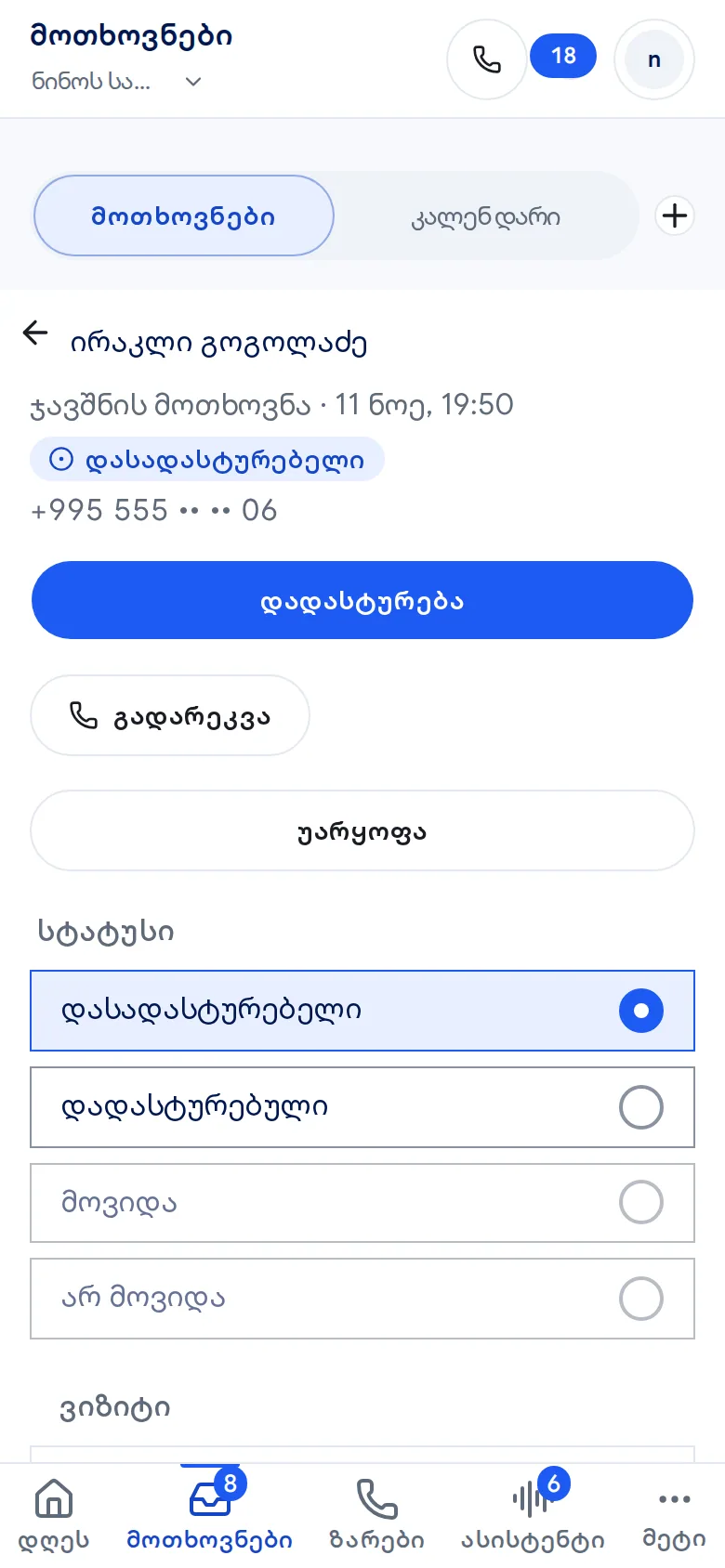
- SMS to the clientNino's Salon: your booking is confirmed.
- Confirmation
Reminder before the visitSoon
The day before the visit, the client gets a reminder.
- One reminder one day ahead.
- The SMS goes only to the number the call came from.
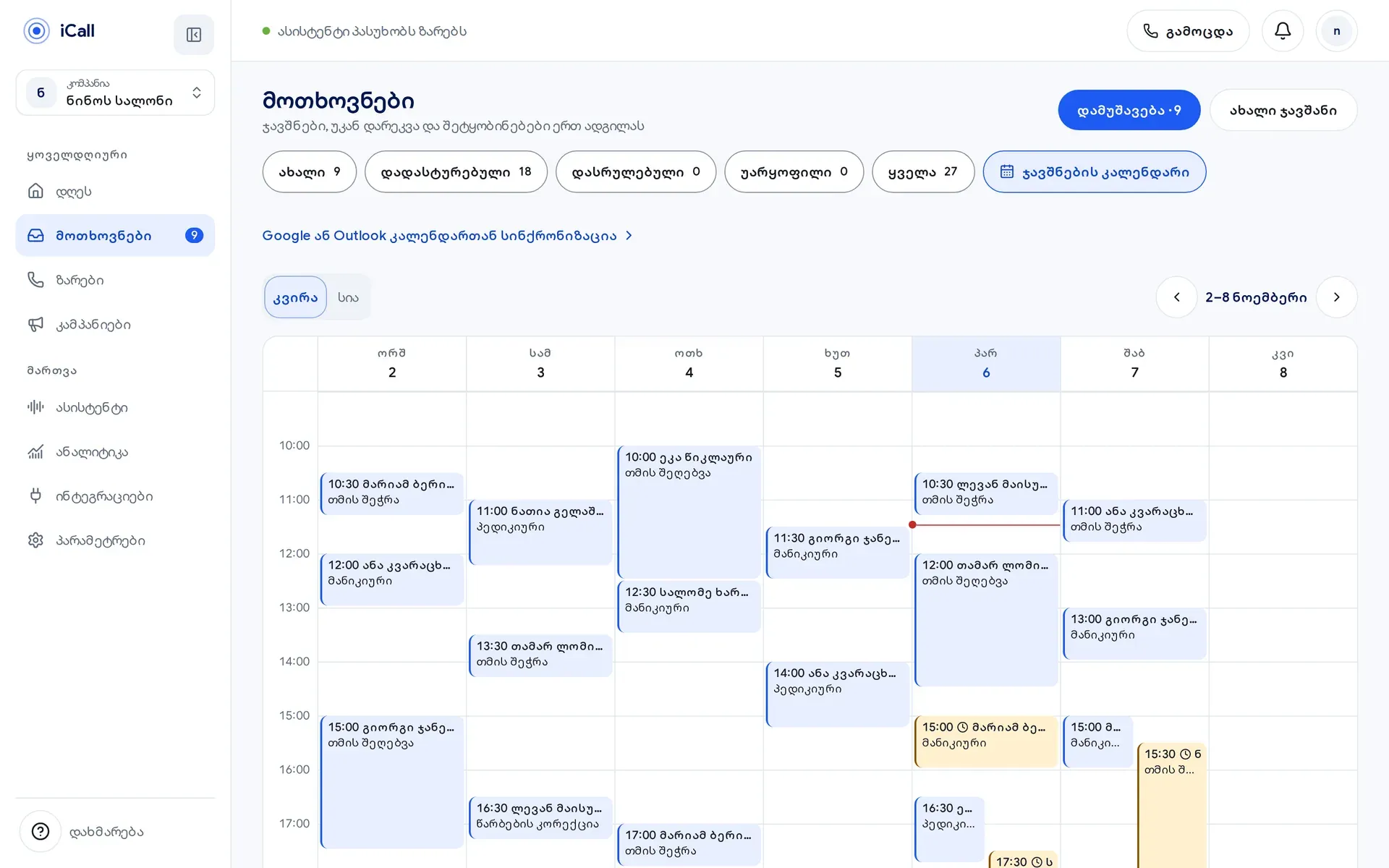
- Reminder before the visitNino's Salon: tomorrow, 19:40. See you.
Your sender name
The SMS goes out in your business name, from your GOSMS account. You connect the account, we approve the sender name by hand.
- The GOSMS account is yours. The cost of an SMS is charged there.
- The sender name we check: it must belong to your business.
- Nothing by hand you send: the SMS goes out by itself.
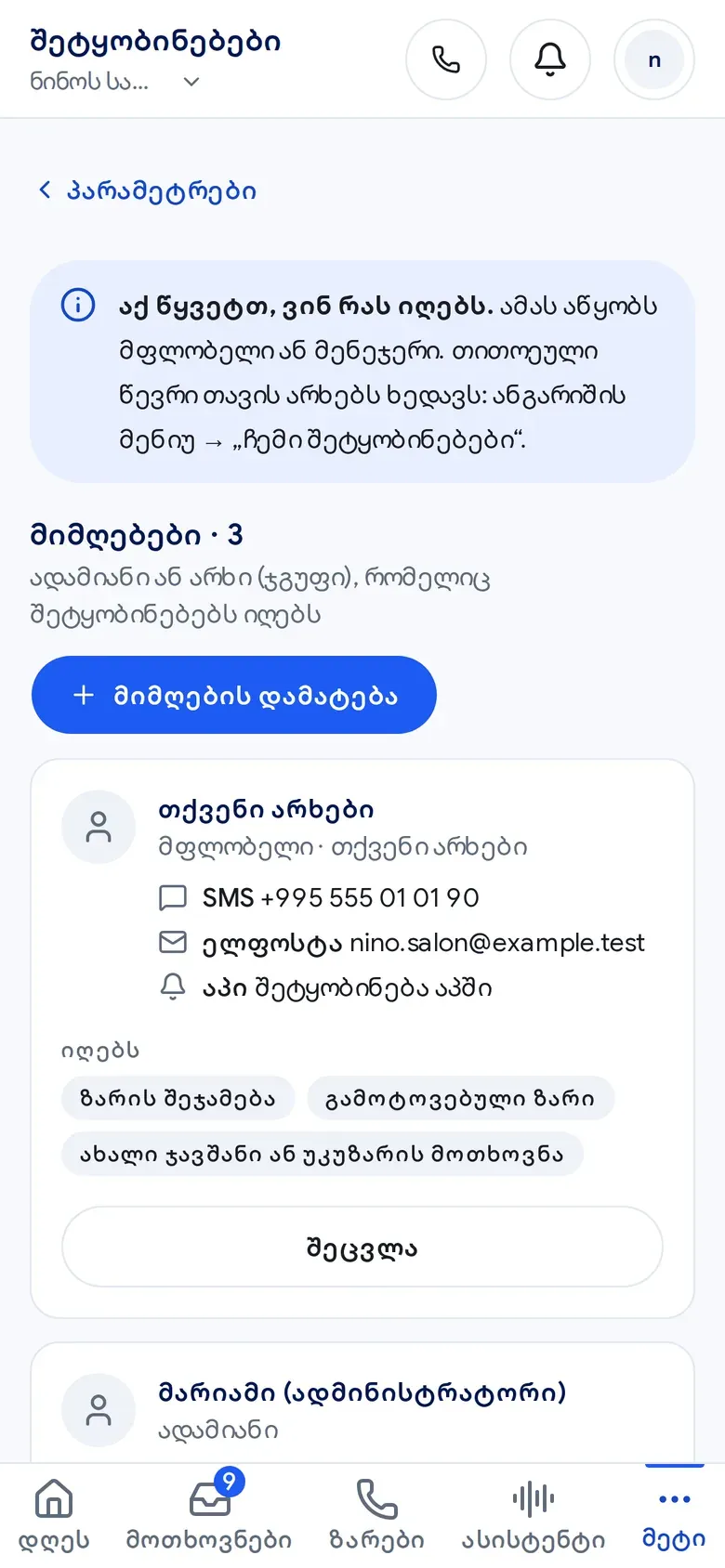
- Your sender name
Reminders at a decent hour
Reminders go out from 09:00 to 20:59 (Tbilisi time). Booking replies at any hour.
- In the contact history every call, booking and request appears in time order.
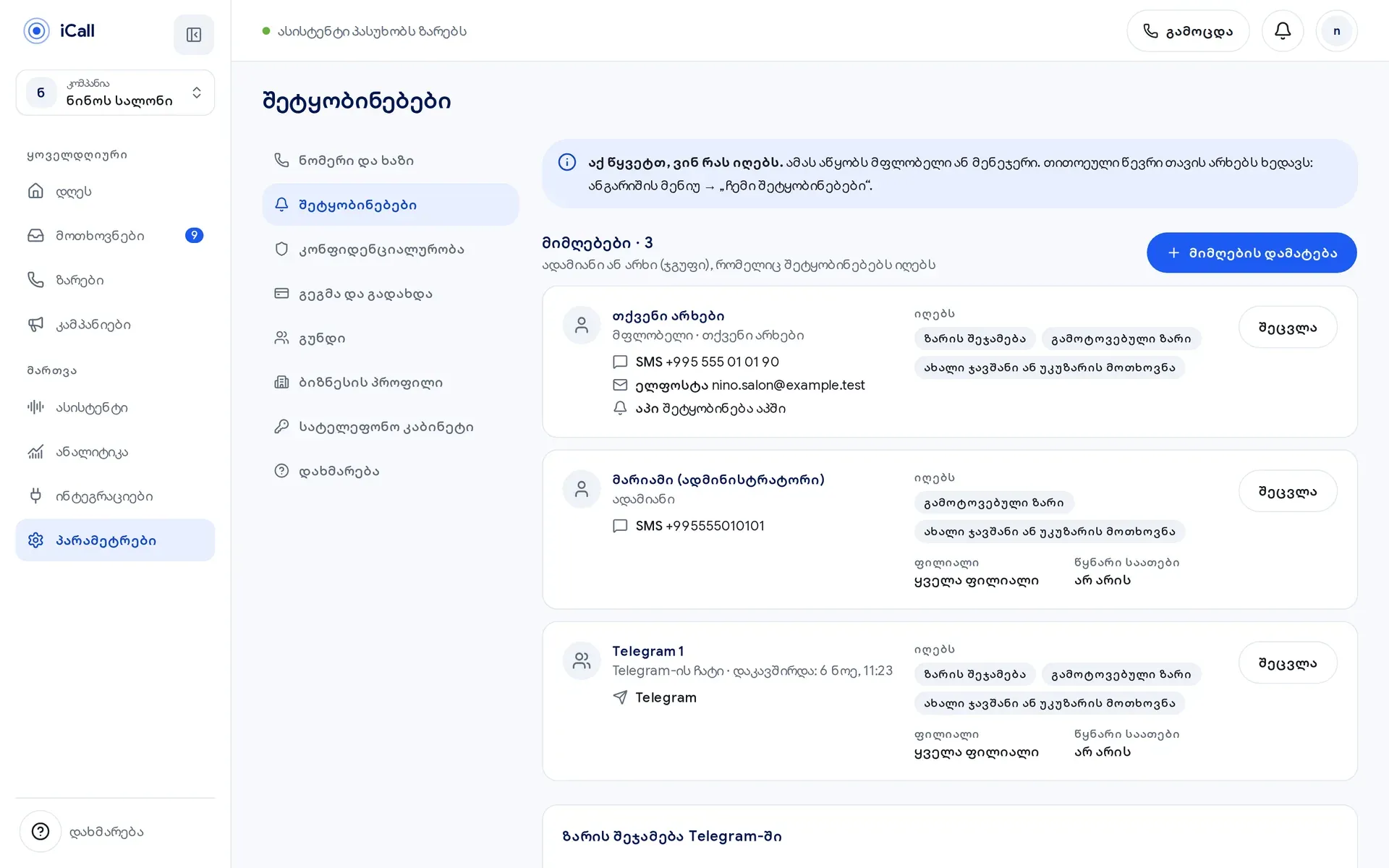
- Reminder from 09:00 to 20:59
SMS to a contact by hand
From a client's card you can also send them a short SMS yourself, if GOSMS is on.
- Length one SMS is up to 320 characters.
- "Do not contact" no SMS goes to such a number.
- Not advertising it is a personal message, not a mass send.
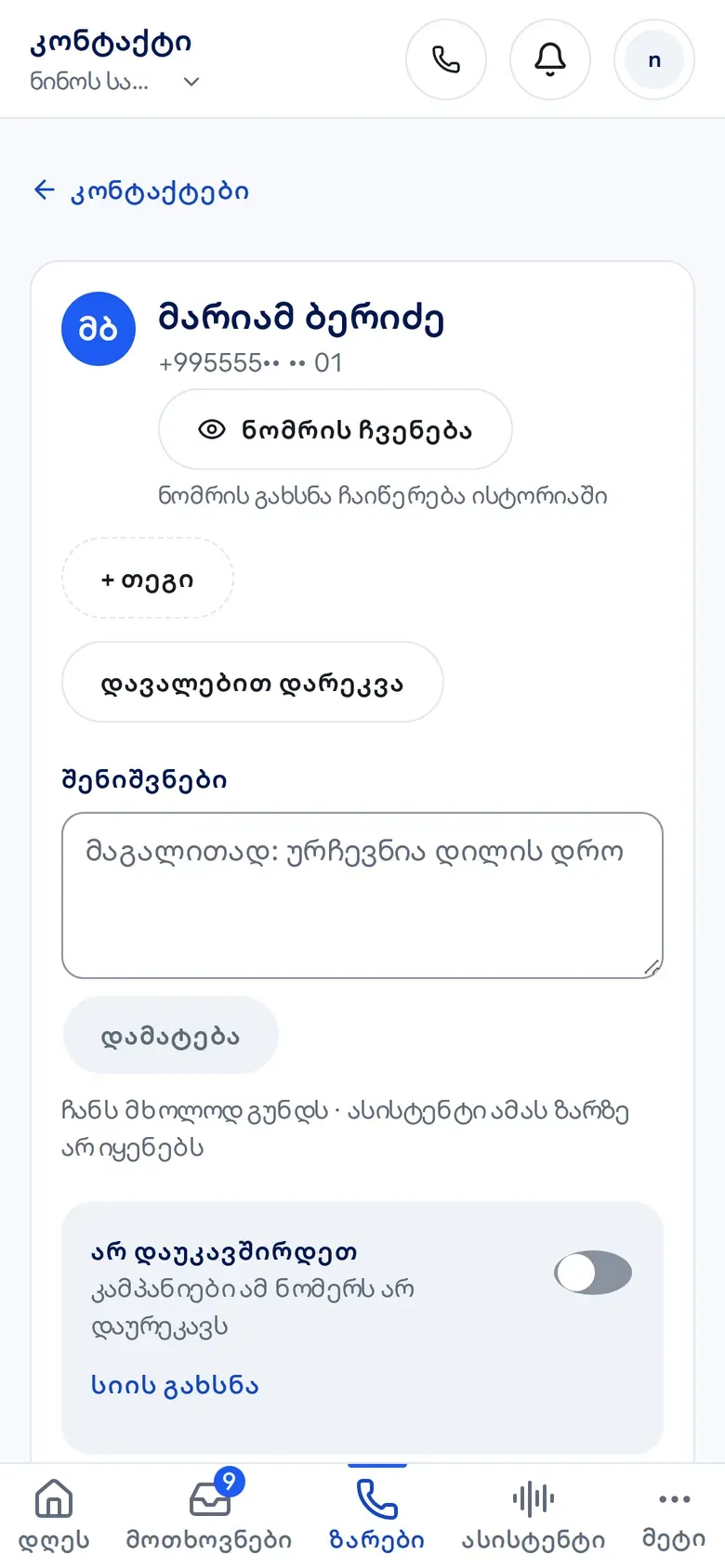
- Message from the card
How it compares
An administrator may forget to send a confirmation. iCall does not.
What it does not do
The SMS goes only to the number the call came from and that is on the booking.
It sends no advertising messages.
There is a strict daily limit per number.
It does not send an SMS to a “do not contact” number.
It does not read the client's SMS reply: want to change something? They call and a request goes to your team.
Without a GOSMS account and an approved sender name, no SMS goes out.
Common questions
Does the client need to install anything to read the SMS?
No, it is an ordinary SMS.
Can I turn it off?
Yes, you can switch it on and off in the settings at any time.
What does sender name approval mean?
We check that the name belongs to your business and does not imitate another.
What does an SMS cost?
The SMS is sent from your GOSMS account and charged there. On the iCall side it is a separate add-on, and we confirm the terms when turning it on.
Is SMS included in the package?
No, it is switched on separately, by agreement. Login codes and Telegram notifications do not depend on it.
Can the client reply to the SMS?
No, the SMS is one-way. Want to change a booking? They call and the assistant takes a request for your team.
Try 7 days free
No card needed. 7 days or 60 minutes, whichever runs out first. The count starts from the first real call.
7 days free · No card · Setup is free7 days free · No card required